
By Tim Farmer, Co-Host of The OSINT Output with Tim and Chris

Starting out investigating open-source information is easy enough. You just either jump on a computer at your house or job and then begin searching the internet (or other publicly available databases like the library or public records not digitally indexed). One of the immediate items that most OSINT investigators notice is that over time when using search engines and popular websites, some content will start to appear eerily familiar. Behavioral tracking has become a huge business over the last two decades. Tech giants have monetized this so well that it generates billions of dollars in revenue by serving up advertisements based on browsing habits. These metrics can be so granular that they can even predict if someone is pregnant (check out this video on YouTube). As you can see from the video, behavioral tracking extends beyond just the digital frontier but into our physical lives as well.
Why do I bring this up? Because if a third party, such as Target, can predict the who, what, where, when, and why of a specific behavior, then sophisticated threat actors can as well. That’s why practicing digital hygiene as an OSINT practitioner is paramount when supporting investigations. Not only can a third party seemingly guess who you are, what you’re doing, and what you’re looking for, they can also either continuously monitor your activity or can completely block you by your individual IP address or CIDR range, which will eliminate a valuable source of information for an investigation. A person is never able to actually see the persons or parties tracking their behavior online, but there are websites available to check what advertisers are collecting data based on advertising choices that also provide the ability to opt out of tracking (check out this link).
One of the easiest ways to help eliminate tracking is by practicing digital hygiene, like I mentioned above. Digital hygiene is the practice of removing tracking mechanisms such as telemetry data, website cookies/etags, and other pieces of data present on a device to eliminate the need to worry about behavioral tracking. During OSINT collection, there are three periods of time to consider when deciding when to best implement digital hygiene – prior to collection, during collection, and after collection. Let’s talk about each in turn!
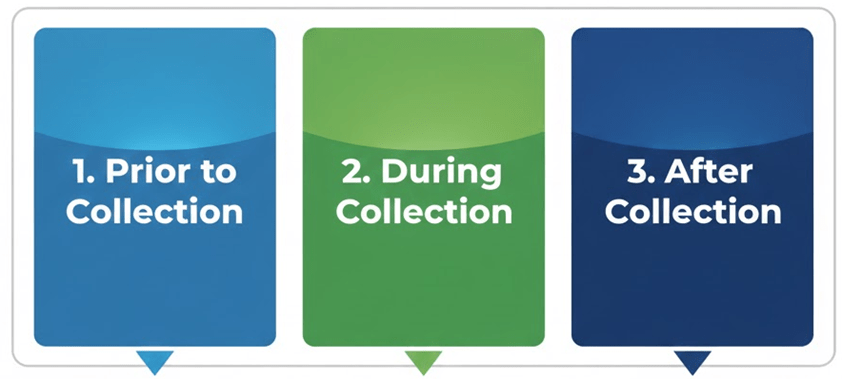
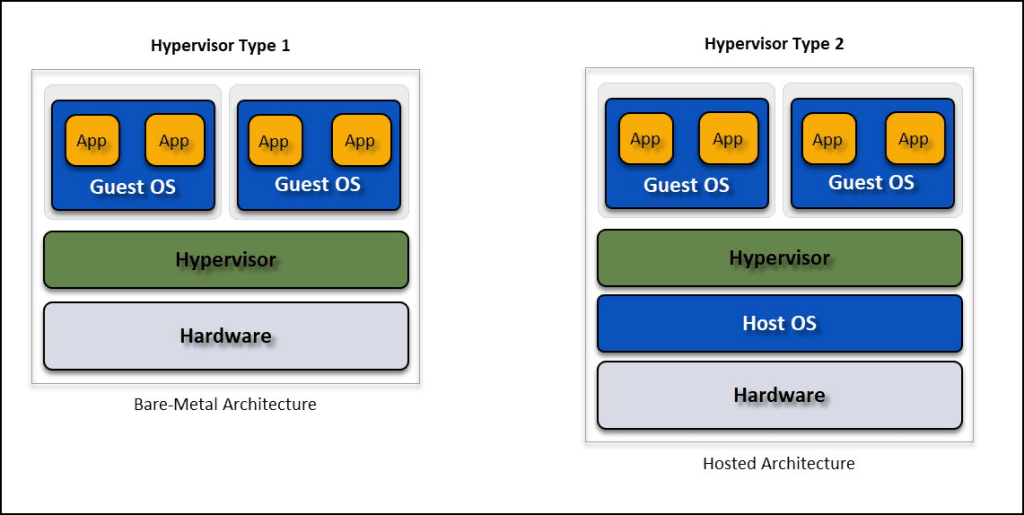
Prior to collection – It’s always best to start fresh when beginning a new investigation. However, that can be difficult if you have personas that are curated for certain investigations such as collecting on foreign social media. The best way to start fresh is by using a brand new machine set up for OSINT collection EVERY TIME! Does that mean you go out and buy a brand new cell phone or computer when you need to begin? Nope, that’s why we have hypervisors available to use operating systems on top of hardware or software. Hypervisor is a term used to describe an operating system operating on top of ANOTHER operating system. Ever heard of the term virtual machine? This is it! Once a virtual machine is created and set up for OSINT collection, you can simply copy/paste that same VM over and over again to begin fresh. There are things to consider such as exploits on certain virtualization software (these are known as escape exploits to get to the host machine, but once the software developers discover them, they are quickly patched) or if it will be hosted locally or on the cloud. But, you will discover that starting from a fresh machine is the best way to begin any investigation that does not tamper with other ongoing investigations.
During collection – “Knowing is half the battle!” is what I heard when I was little growing up watching G.I. JoeTM. When I joined the workforce as a U.S. Army Soldier, I realized the importance of planning and trying to stay ahead of an adversary. The same is true while conducting OSINT collection. Make a plan to understand how you will appear while traversing the internet (or if you’re doing IRL investigations, how you will appear to a casual observer). The biggest thing is that you want to understand what websites will collect on you, ways to prevent it if you need it prevented, and what tools you use that will potentially limit tracking. Remember: not every investigation requires you to be a ghost going in and out; that may appear peculiar to a website that receives little traffic or that has rules set up to monitor visitors. Also, it may be in your best interest to also run a virtual private network (VPN) while conducting collection. Some of them actually come with built-in ad blockers, malware detection, or advanced networking like Tor or P2P. I highly recommend ALWAYS USING A SUBSCRIPTION FOR VPNS. There’s a saying in OSINT and other investigative circles: if you’re not paying for the product, you are the product. So, if you’re concerned about third parties tracking your activity, never use a free VPN unless you absolutely need to, and do NOT EVER provide any identifying information on yourself, especially usernames or passwords, while using a free VPN.
After collection – Once all collection is complete, the next step is to remove any trackers or temporary files installed while conducting OSINT collection if not needed on the machine used during the investigation. Sometimes it’s best to just copy and paste the machine to an external drive to pass on the customer if required. However, they may not require an entire machine snapshot and only need the collection. You simply just have to delete the machine from your storage and you’re good to go! If you’re not using a virtual machine, there are best practices when conducting collection using a browser and computer. I’ve outlined some software and tradecraft below to consider if you are not using a virtual machine.
Virtualization Software
There are two major software developers to consider when choosing virtualization software. Those two companies are Oracle, which makes VirtualBox; and VMWare, which makes VMWare. Both have free versions, but many OSINT practitioners use VirtualBox because of the ease of importing virtual appliances that have been made specifically for online investigations.

There are several how-to guides out there to set up your desired software, but I will make one in the future to post, so be on the lookout for it!
Software for Digital Hygiene
The first pieces of software to consider is how to limit tracking WHILE conducting an investigation are the operating systems and browsers.
Microsoft and Apple are heavily invested in user experience and feedback, so they are both out if you’re seriously concerned about privacy and reducing your digital footprint. Both create and send “anonymous” telemetry about your activity back to the developers. While this metadata can be deemed anonymous by the developers, savvy analysts working for corporations and governments have been able to easily deanonymize people based on aggregated data. That leaves only one major operating system to use for your investigations: Linux.
Linux is no longer an operating system for the tech or hobbyist crowd. Different versions of Linux are called distributions, kind of like how Windows has numbered versions, but these versions are consistently maintained over time by Linux foundations and enthusiasts. Furthermore, most are open-source and free! If you’ve ever wondered how many there are, just check out the graphic below. You can right-click the image and open in a new tab as it is a very large image.
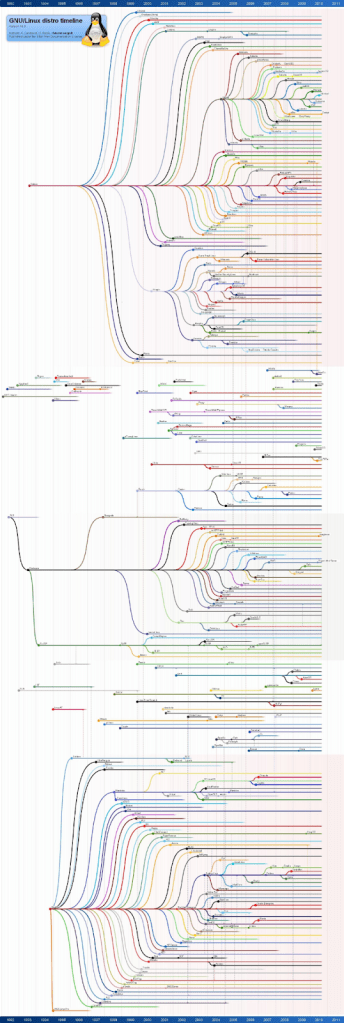
As you can see, there are almost as many versions of Linux as there are colors of the rainbow, so which one is best for you? Because we’re talking about OSINT and privacy, let’s go with the ones that best enable that activity. Note: Linux is heavy on command line interface, but you can find most of what you need by simply using a search engine. Developers have tried over time to make them less about typing and more about the graphical user interface, so you can use your mouse to great effect in most distributions.
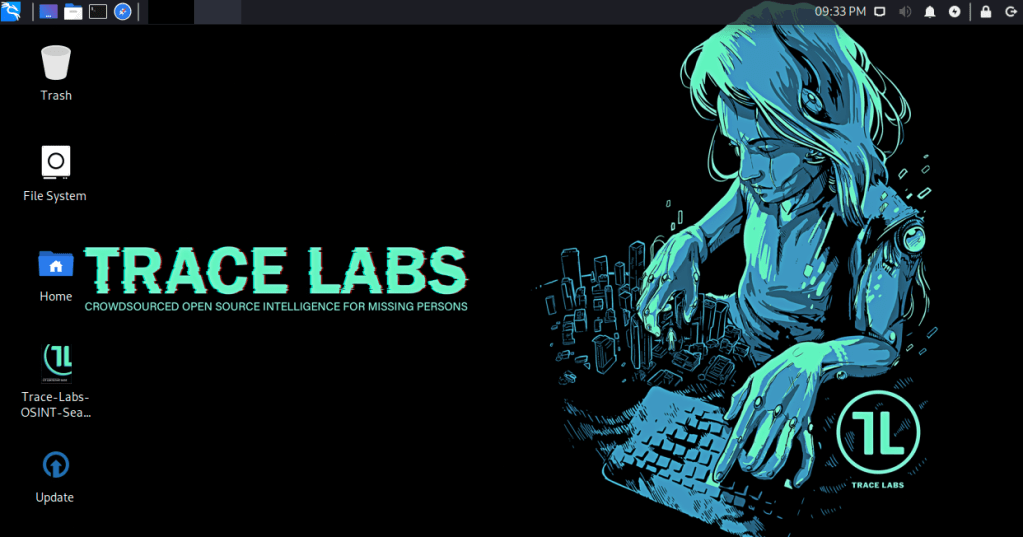
The first one that receives a lot of support in the OSINT community is the TraceLabs VM you can download here. It’s built from another Linux distribution called Kali (this distribution is built for hacking, social engineering, and pen testing; definitely check it out if you’re interested in that stuff), and has a bunch of tools that will install once you first run the install script on the desktop. They have an OVA (open virtualization format archive) that you can easily install by simply double-clicking if you already have Oracle VirtualBox installed to your computer.
The next one is called Ubuntu and it is a bit more involved when virtualizing it as you’ll need to download the ISO from this link, go through the setup wizard on VMWare or VirtualBox first, then run the setup after starting the virtual machine. If for any reason you cannot get VMWare or VirtualBox to run any virtual machines, you may have to enable that ability to run a hypervisor in your BIOS/UEFI. It’s different for every motherboard manufacturer, so you’ll need to run a search engine query to find out how to enable it for your system.
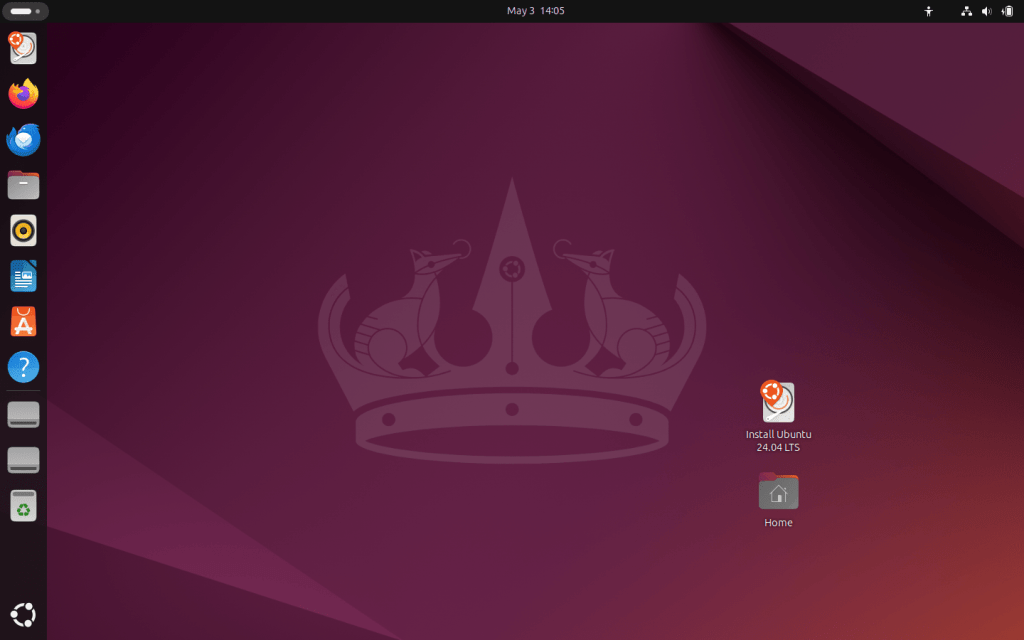
The last distribution I recommend is PopOS. This distribution is rapidly gaining popularity in the STEM, gaming, and privacy communities. It works well with most hardware configurations and the company that develops PopOS (System76) will build a laptop with your specifications on their website if you choose to go forward with Linux as your host machine operating system.

Browsers
There are really only two major browser software that are available for OSINT investigators to use and those are Chromium, developed by Google, and Firefox, developed by Mozilla. However, these two companies have released them as free and open-source projects, which means there are also different versions of these available!
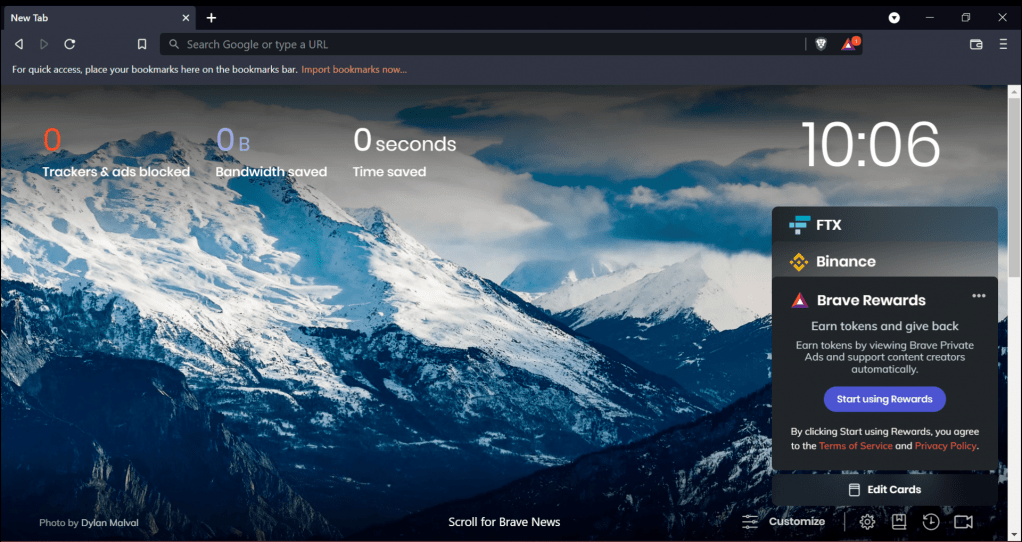
The first browser I’m going to recommend if you’re seriously concerned about third party trackers, cookies, or advertising telemetry data is Brave. It’s the easiest to transition from Google Chrome. It also has a mechanism called Brave Shield built-in to the browser by default. Lately, the company behind Brave is receiving a lot of attention from privacy advocates due to Brave’s enthusiasm regarding AI and cryptocurrency that are available on the browser. You can completely OPT-OUT of these by manipulating your settings, but these may unintentionally be reenabled in a future update or if something in your personal profile changes. Brave also offers a VPN service as well! It’s based in the United States, but just like any service you pay for, always check out their privacy policy before purchasing their VPN service.
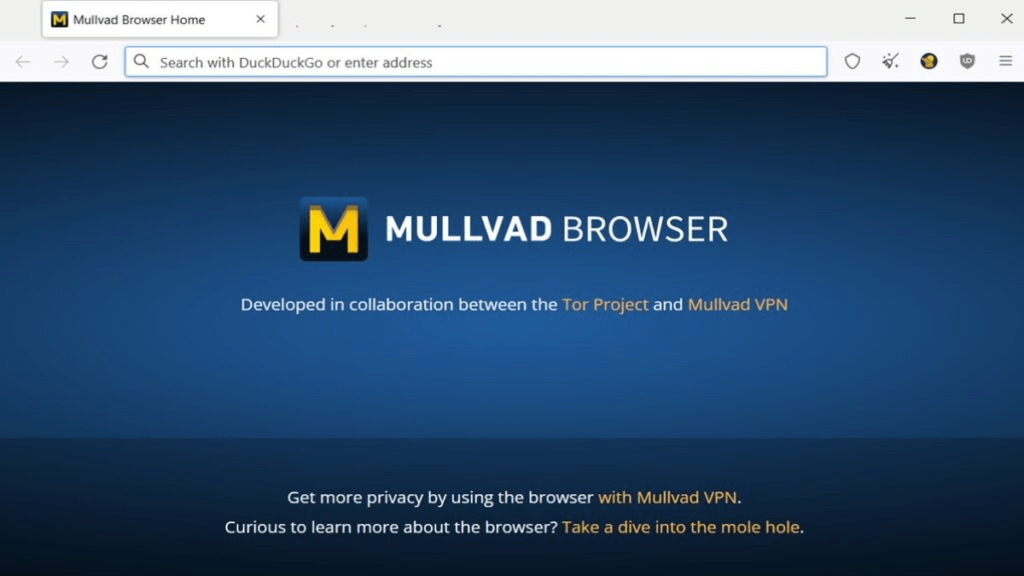
The next browser that I would recommend is Mullvad Browser. Mullvad and The Tor Project worked together to create a browser designed to be used with a VPN while also enabling your privacy. It’s a Firefox Browser, but attempts to limit third party tracking by disabling many settings that produce and gather telemetry data that is sent to websites and data aggregators. Additionally, you can download privacy add-ons and extensions from the Firefox add-on store. A couple that I recommend are uBlock Origin and NoScript. Make sure to check out the developer page! Some malicious software developers have made extensions that look almost exactly like them by either using a similar name or a similar logo.
BleachBit
Now that we’ve gotten most of the tools out of the way that helps limit tracking, what do you need to use to delete all those trackers and temporary files? If you search “delete trackers temporary data and browsing data” you get a bunch of results back that walk you through step-by-step in your operating system to do just that. But there is one piece of software I recommend to complete this step for you and it’s called BleachBit (download here). BleachBit, much like its name, cleans your storage drive like bleach. It will go through directories on your local storage to remove files or other pieces of information that were likely downloaded without your knowledge or data that is no longer required. MAKE SURE TO READ THE NOTIFICATIONS! BleachBit will also give you the option to SHRED rather than DELETE. Just so you’re aware, just because you delete something does not mean it’s really gone from your computer. That information is still able to be recovered (think Recycling Bin), so BleachBit can go a step further and make it forensically UNrecoverable if you select that option. So, you’ve been warned!

 The OSINT Output Hosted by Tim and Chris
Leave a comment